
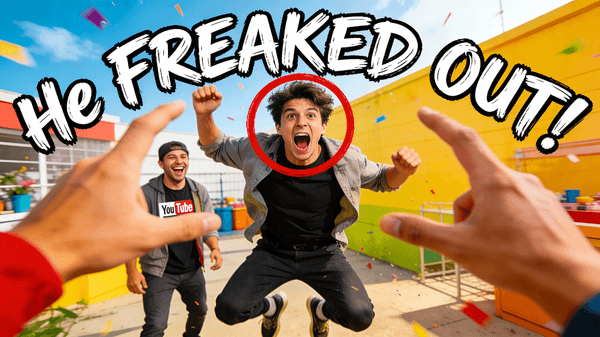
Prank Video Thumbnail
Prank Video Thumbnail - prompt for Seedream 4.5, ready to copy
This prompt generates a YouTube thumbnail for a prank video, capturing the peak moment of surprise and chaos. It highlights the pranked person's reaction with a red circle and uses a shaky font to convey the fun.
Seedream 4.5by Jared Liu
Prompt
Dr AI Advanced Prompt Engineering - with Pro, this prompt gets a layer that helps the assistant customize it and generate high-quality results.
See Pro →
Customize with Dr AI Pro
A Pro feature - Dr AI adapts this prompt to your business, in a chat with history.
Unlock with Pro →How to use it
- Click "Copy and open" (choose your assistant) or copy the prompt.
- The assistant helps you customize it (colors, [variables], style) and then generates the image in high quality - in ChatGPT (GPT Image) or Gemini (Nano Banana).
- Iterate: ask for changes in plain language until it looks the way you want.
Need a tailor-made solution?
Not sure where to start with AI in your business? Get a free assessment and a tailored plan - no commitment.